October is Cybersecurity Awareness Month. The National Cybersecurity Alliance’s 2026 campaign theme is “Don’t Make It Easy for Them”.
It asks people to make simple checks part of ordinary online life. South Africa’s Film and Publications Board also used the theme in its October digital-safety message.
This guide offers five habits for messages, accounts and payments, plus a short plan for what to do if something goes wrong.
Why everyday habits matter
A scam can begin with an ordinary-looking message: a relative asks for urgent money, a bank text says an account is locked, a job advert requests a fee, or a supplier emails new account details.
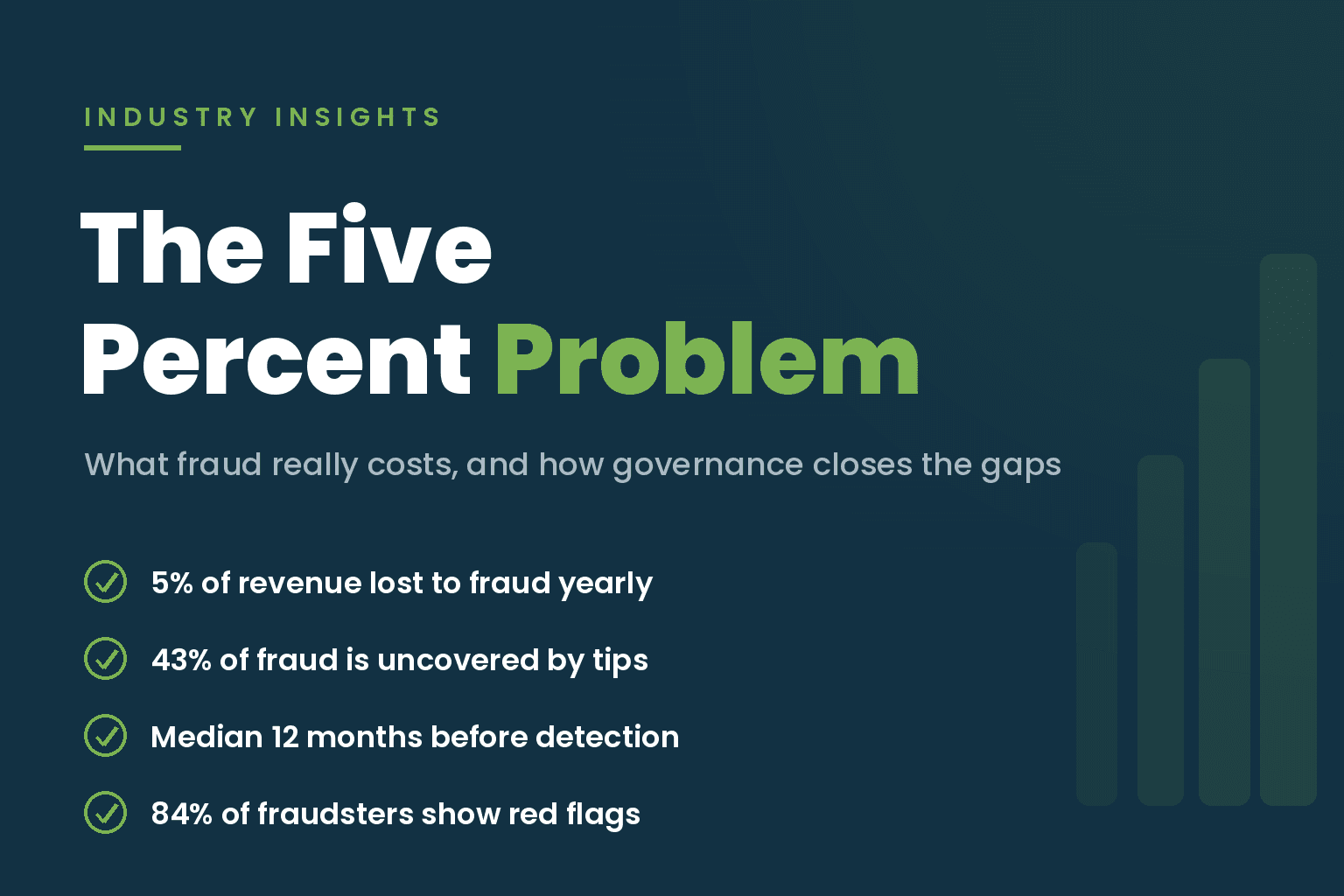
GASA’s 2026 State of Scams study surveyed 1,280 South African adults. It reports that 85% encountered a scam in the past year and 54% interacted with one.
In the same study, 19% experienced financial or data loss, while 6% said they reported incidents to authorities. These are survey findings, not police-recorded case totals.
The GASA study summary identifies its sample and measures scam exposure separately from interaction and loss.
SABRIC’s 2025 report lists 110,074 digital-banking crime incidents and R2.41 billion in gross client claims. The figures come from nine participating banks, not every bank or all scams in South Africa.
Read SABRIC’s 2025 Annual Crime Statistics for the report scope and breakdown.
The Film and Publications Board’s Cybersecurity Awareness Month guidance also recommends checking who sent a message before following its links.
For the workforce side of digital resilience, see our article on cybersecurity skills and youth employment.
Young people seeking digital learning and employment support can explore digital skills and opportunities for young people.
Five habits for Cybersecurity Awareness Month
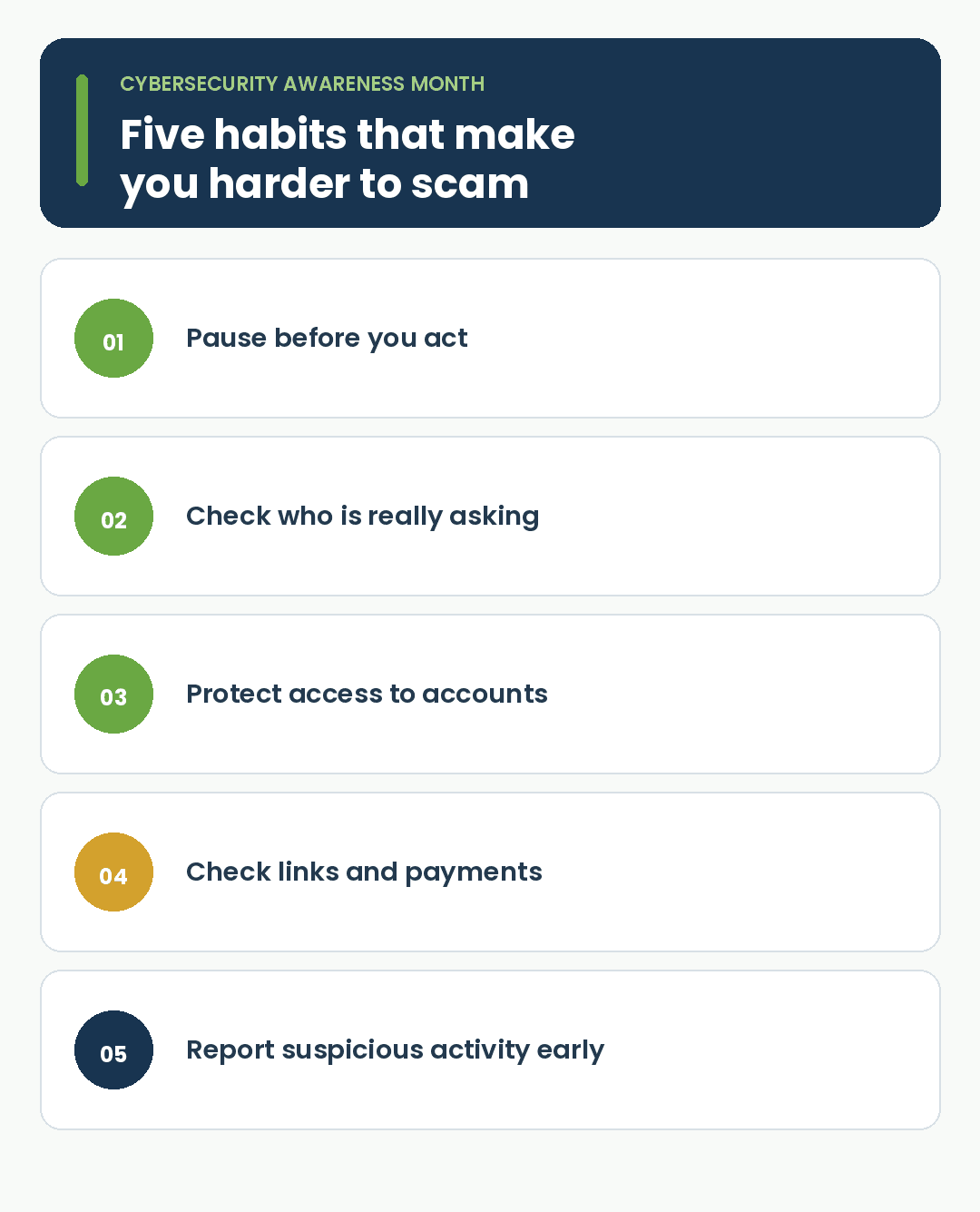
1. Pause before you act
Urgency is a pressure tactic. A message may say an account will close, a parcel will be returned, or a family member needs money now.
Stop before clicking, replying, sending money or sharing a login code. If the request appears to come from someone you know, call them using a number you already have.
Do not use a number or link supplied in the message to verify it.
2. Check who is really asking
Impersonation can arrive by email, WhatsApp, phone, social media or a job advert. A familiar name, photo, logo or writing style does not prove who sent it.
Verify through a separate channel. Call the person, open the organisation’s official app, or find its contact details on a website you reach independently. For a job offer, check the vacancy on the employer’s official recruitment channel.
3. Protect access to your accounts
Use a different, long password for each account. A password manager stores them so you do not have to remember every one.
Turn on multi-factor authentication, or MFA, for email, banking, social media and cloud-storage accounts. MFA adds another check after your password, such as an app approval or a code.
CISA includes strong passwords, MFA, password managers and software updates in its core online-safety steps.
Never share a one-time PIN or sign-in code with someone who contacts you. A caller or message asking for one deserves a separate check.
4. Be careful with links, attachments and payments
Phishing is a message designed to trick you into giving away information or opening a fake sign-in page. An attachment may ask you to enable a feature or install something you did not request.
Open your bank, courier or government service through its official app or by typing a known address.
Verify payment requests independently, especially when an invoice shows new account details. Do not send money or identity documents because an unsolicited message asks you to.
5. Report suspicious activity early
If you clicked, shared information or sent money, act promptly. Change the affected account’s password from a trusted device and contact your bank through the number in its official app, on your card or on a statement.
Report the sender to the relevant platform. If a work account is involved, tell IT support. Keep the message, screenshots and payment references. Early reporting gives the bank, platform or support team a chance to respond.
What to do if you think you have been targeted
Use this short action plan. If money or banking details are involved, call your bank through an official channel first.
The South African Police Service advises reporting suspected internet crime or commercial scams at a local police station, as set out in its cybercrime prevention guidance.
- Stop communicating with the suspected scammer. Do not click more links.
- Change the affected account’s password and any reused versions.
- Turn on multi-factor authentication if it is available.
- Contact your bank immediately if money or banking details are involved.
- Report the sender, message or advert to the platform.
- Save messages, screenshots, receipts and transaction references.
- Tell someone you trust or your workplace IT support.
Falling for a scam is not a reason for shame. Acting quickly matters more. Secure the account, contact the bank and keep the evidence.
Put one habit in place today
Choose one habit to put in place today: turn on MFA for email, agree on a family call-back rule, or save your bank’s official fraud number.
Small organisations can decide who checks supplier account changes and where staff should report suspicious messages. For a broader review of controls, see Lebone Marang’s IT Security Maturity Assessment.
Organisations that want regular staff practice can review Lebone Marang’s IT Security Awareness Platform, which includes role-aware training and simulated phishing with feedback.